

Mechanical keyboard
YUNZII IF99
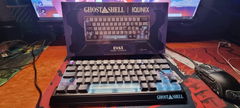
The YUNZII IF99 keeps the number pad and function row together in a 95-key layout, with an LCD screen above the keys. Check connection details at a glance or display a favourite image. QMK/VIA customisation, hot-swappable mechanical switches and three connection modes suit a desk that handles both work and games.

- 95 keysNumber pad and function row
- Custom LCDStatus, pictures and GIFs
- 8000 mAhRechargeable battery
Keep useful details on the keyboard
The LCD has separate pages for status, pictures and GIFs. You can check the time, battery level and connection mode without opening another window, or use the picture page for something personal. The display sits above the number pad beside a decorative metal badge.

Three ways to connect
Use USB-C for a wired setup, the 2.4 GHz receiver for wireless use, or one of three Bluetooth channels for paired devices. An 8000 mAh rechargeable battery powers the keyboard away from its cable. The magnetic badge covers a storage recess for the receiver.

Put your shortcuts where you need them
QMK/VIA support lets you remap keys, build macros and adjust RGB settings. Keep familiar controls for everyday typing, then change the combinations you use most in your own workflow. The dedicated number pad remains useful for data entry without taking over the main letter keys.

Mechanical switches you can change
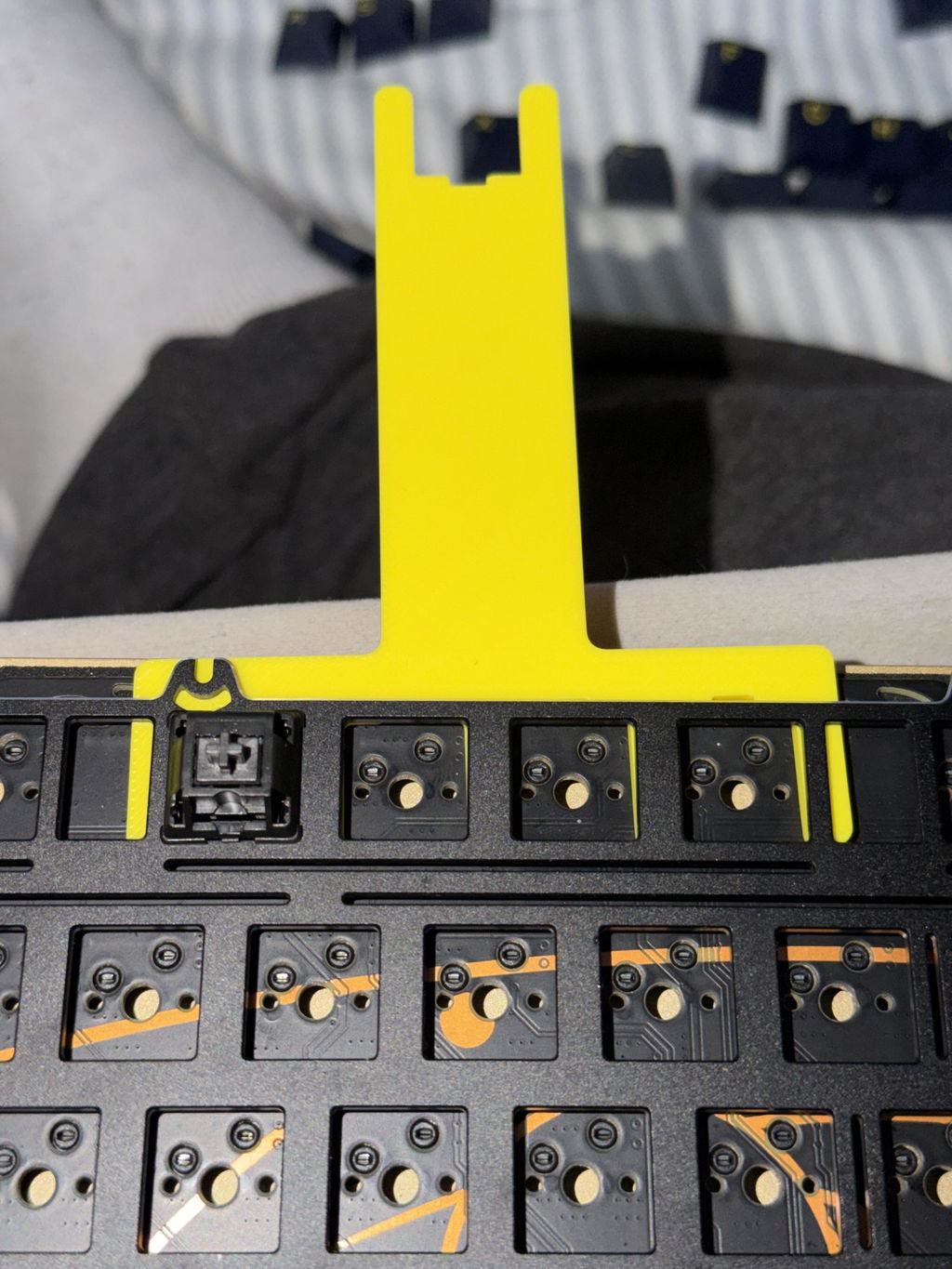
The hot-swap PCB accepts 3-pin and 5-pin mechanical switches. Pre-lubricated switches and stabilisers sit above five layers of sound-damping material in the gasket-mounted build. Gateron Zero and Cocoa Cream V2 linear switch versions appear in the product images; check your selected option for the fitted switch.


Cherry-profile keys with RGB underneath
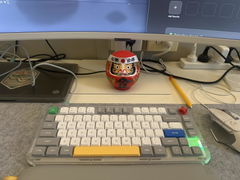
Double-shot PBT keycaps use a Cherry profile, with a sculpted shape across the rows. South-facing LEDs light the spaces around the keys. Adjust brightness and effects with onboard shortcuts or through customisation settings, whether you prefer a steady colour or a moving pattern.


Specifications
- Layout
- 95 keys with number pad and function row
- Connections
- USB-C wired, Bluetooth and 2.4 GHz wireless
- Bluetooth channels
- 3
- Battery
- 8000 mAh rechargeable
- Display
- Customisable LCD with status, picture and GIF pages
- Programming
- QMK/VIA key remapping, macros and RGB settings
- Hot-swap
- 3-pin and 5-pin mechanical switches
- Switch versions shown
- Gateron Zero linear; Cocoa Cream V2 linear
- Mounting
- Gasket mounted
- Sound damping
- 5 internal layers
- Keycaps
- Double-shot PBT, Cherry profile
- Lighting
- South-facing RGB
- Receiver storage
- Recess beneath the magnetic metal badge
Frequently asked questions
Is the IF99 a magnetic-switch keyboard?
No. The supplied product images show conventional mechanical switches and hot-swap sockets for 3-pin and 5-pin switches. The magnetic component described for this model is its decorative badge, not a Hall Effect switch system.
What can the LCD show?
The screen can show time, battery level, connection mode and layout status. It also has pages for uploaded pictures and custom GIFs.
Does it have a number pad?
Yes. The IF99 has a 95-key layout with a dedicated number pad, function row and arrow keys. It keeps those controls together without using a separate numpad.