

75% mechanical keyboard with LCD
YUNZII AL80
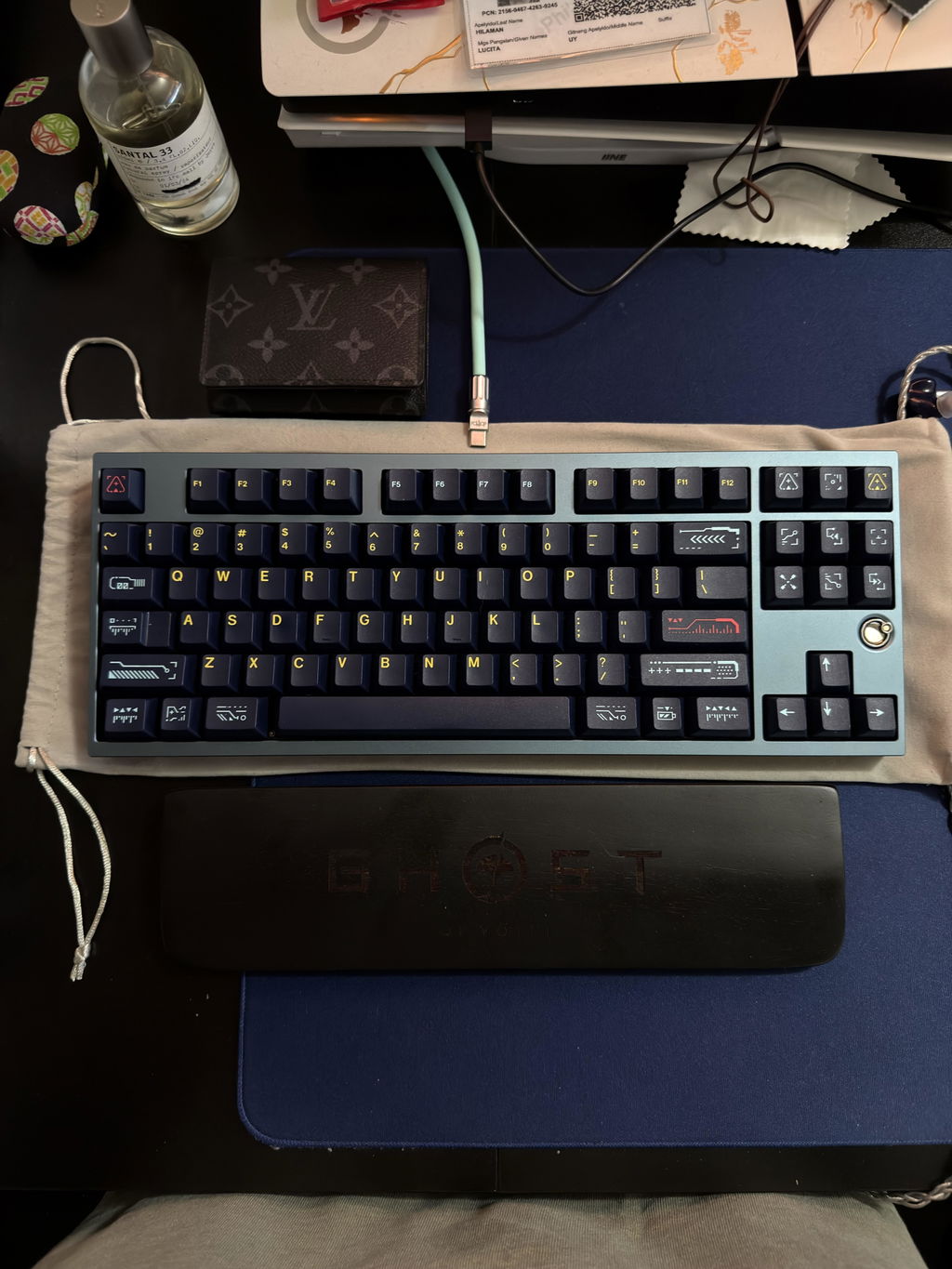
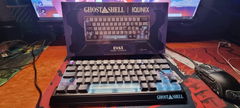
The AL80 puts a small LCD beside the keys and a metal control knob above it. Check battery status or display a picture without giving up the compact 75% layout. An aluminium case, gasket-mounted assembly and Cherry-profile PBT keycaps keep the rest of the design focused on the keyboard itself.

- LCD displayStatus, pictures and GIFs
- Metal knobVolume and playback
- 6000 mAhRechargeable battery
A small display with useful details
The LCD sits beside the right-hand keys, where it can show time, battery level and lock status. It also supports pictures and GIFs. Above it, the metal knob handles volume with a turn and play or pause with a press.

Aluminium outside, damping inside
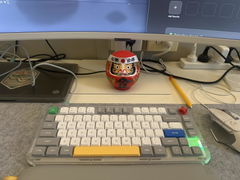
The aluminium case has a glossy metal accent on the underside. Inside, a gasket-mounted assembly combines a PC plate with several foam and film layers. Double-shot PBT keycaps in Cherry profile finish the typing surface without changing the board's restrained rectangular shape.


Make changes at key level
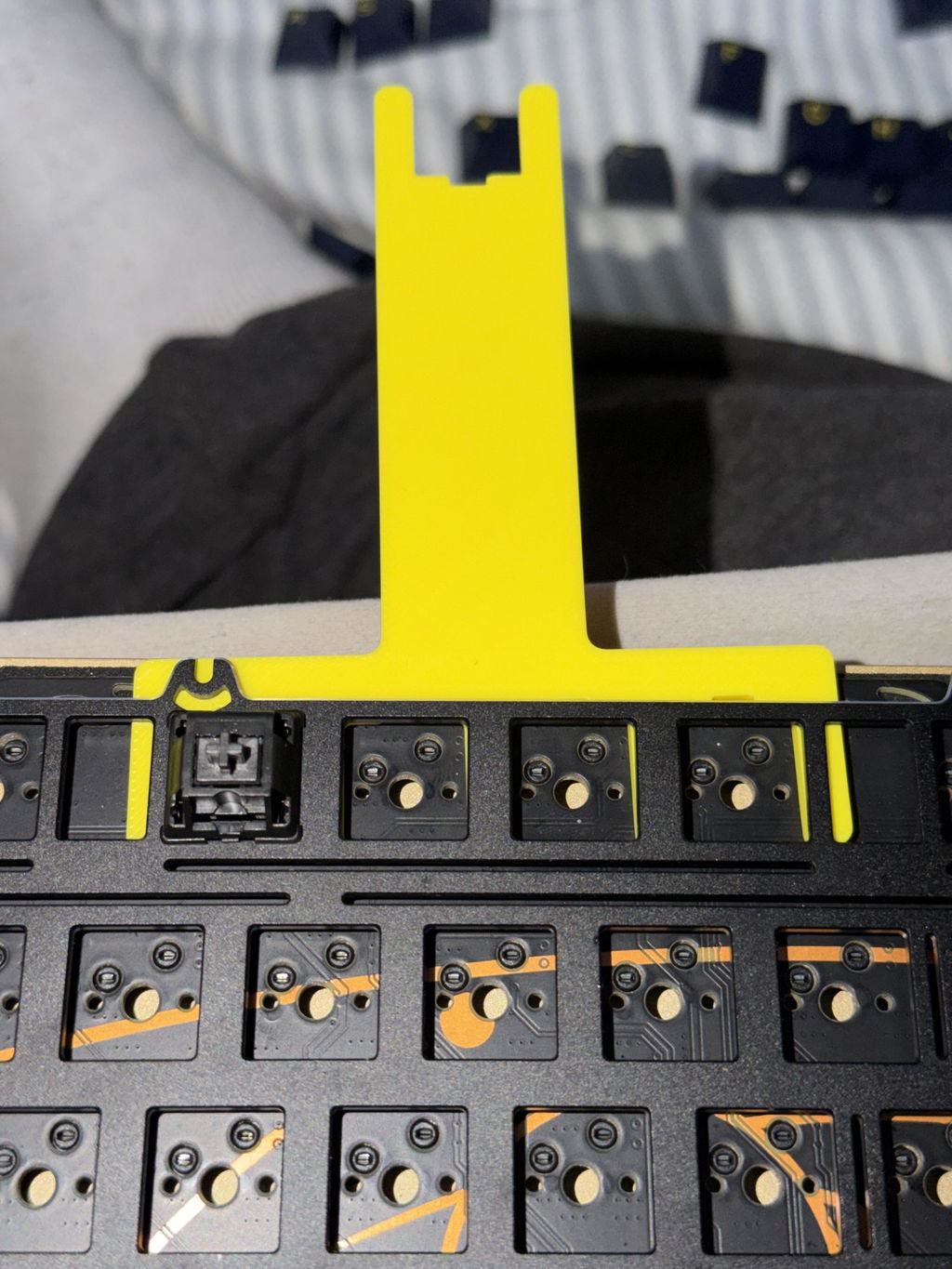
Hot-swap sockets support compatible 3-pin and 5-pin mechanical switches, so you can change the feel without soldering. QMK/VIA handles key assignments and macros. South-facing RGB adds lighting beneath the keycaps, with brightness and effects adjustable from the keyboard.

Choose the connection for your desk
Use Bluetooth for a wireless device, the 2.4 GHz receiver at your computer, or USB-C for a wired connection. The 6000 mAh battery powers the wireless modes. A rear mode switch and three Bluetooth channels make changing between paired devices part of the setup.

Specifications
- Layout
- 75% with function row and dedicated arrows
- Case
- Aluminium
- Mount
- Gasket
- Plate
- Polycarbonate
- Display
- LCD with status, picture and GIF views
- Control knob
- Metal; volume and play/pause
- Connection
- Bluetooth, 2.4 GHz wireless, USB-C wired
- Bluetooth channels
- Three
- Battery
- 6000 mAh
- Customisation
- QMK/VIA key remapping and macros
- Hot-swap
- Compatible 3-pin and 5-pin mechanical switches
- Keycaps
- Double-shot PBT, Cherry profile
- Lighting
- South-facing RGB
- Underside
- Glossy metal accent plate and non-slip feet
Frequently asked questions
What can the LCD show?
It can show time, battery level, Win Lock and Caps Lock status, plus pictures and GIFs. It is a small keyboard display, not a second computer screen.
What does pressing the knob do?
Pressing it plays or pauses media. Turning it changes the volume.
Can I change the switches?
Yes. The hot-swap sockets accept compatible 3-pin and 5-pin mechanical switches without soldering. Check the selected product option for the switches fitted at purchase.